By Dawn Michelle Laguerre
Keep your appliance records in one place so you can find the model number, manual and warranty before you call for help. When an appliance starts acting differently, the model number may be the first thing support asks for. Start with one appliance and a folder you already own, rather than trying to document the whole house at once.
This is a recordkeeping project, not a repair lesson. You are gathering the information needed to read the right instructions, describe a problem and contact the right company. Do not move heavy appliances, remove panels or reach into unsafe spaces to complete a file. A missing number can wait for qualified help.
Start your appliance records with one item
Pick something you own and can approach safely, such as a dishwasher with an accessible label or a small countertop appliance with its original paperwork. Write a plain description first: kitchen dishwasher, basement washer or upstairs window air conditioner. That location will help distinguish similar items later.
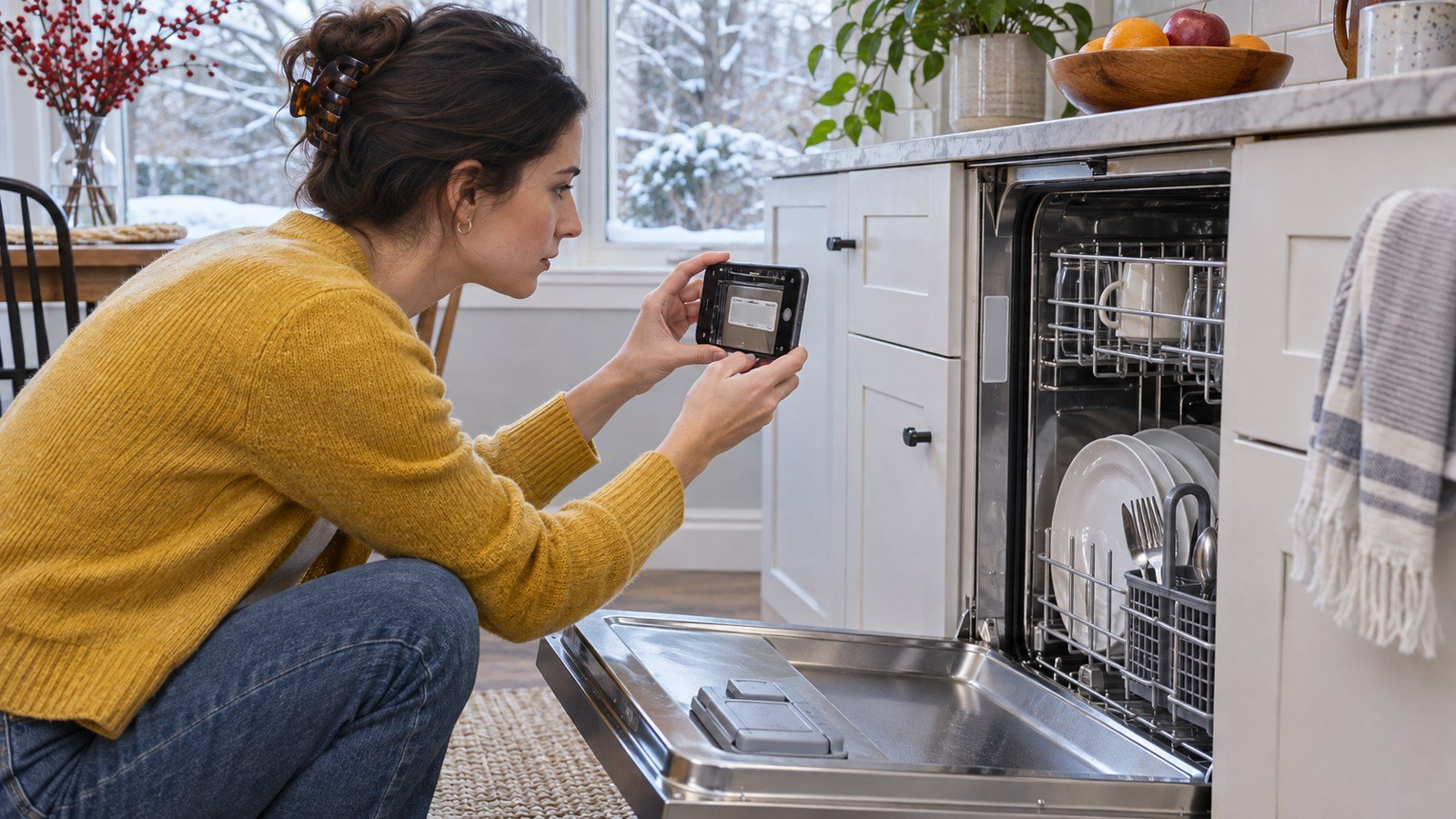
Record the manufacturer, model number and serial number in separate spaces. Copy the characters carefully, including any letters or ending numbers. A photograph is helpful alongside the typed record because you can return to the label if a character is hard to read. Check that the picture is sharp before putting the phone away.
Label locations vary. GE Appliances’ model-number locator asks owners to choose the product type to find guidance for that appliance. Other manufacturers have their own support pages. Use the instructions for your brand and model instead of assuming every refrigerator or washer carries its label in the same place.
Find the instructions that match the model
Go to the manufacturer’s own support website and search with the model number. Compare the result with the appliance you actually have. A similar-looking product photograph is not enough to settle which manual belongs in your file, especially when several versions share a familiar name.
As one example, GE’s manual search accepts a model number to locate product literature. The available documents can include owner instructions and installation information. That is an example of a search tool, not an endorsement of a brand or permission to perform installation work yourself.
Save the relevant owner manual with a filename you can recognize, such as “kitchen-dishwasher-owner-manual.” Add the model number if it helps distinguish versions. Keep the original document intact. If the search returns several manuals and you cannot tell which applies, ask the manufacturer before relying on one.
Put the purchase information beside the instructions
If you have a receipt, order confirmation or delivery record, keep a copy with the appliance details. Record the seller and purchase date only when you can verify them. For an older appliance, “date unknown” is more useful than a confident guess that later gets mistaken for a fact.
Keep any written warranty terms in the same place. A receipt and a warranty are related records, but they answer different questions. Do not assume a purchase date alone proves that a particular repair is covered. Ask the company to explain which terms apply to your situation and retain that explanation.
For a rented home in Utica or another Mohawk Valley community, distinguish appliances you own from those provided with the rental. Keep the landlord or property manager’s reporting instructions with the record for a supplied appliance. Documenting it does not mean you have agreed to arrange or pay for repairs.
Make a service log that describes what happened
Use a short entry for each service visit or support conversation: date, reason for the contact, company or person contacted, work described and any next step. Attach the invoice or written response when available. You do not need a complicated spreadsheet if a page in the folder works better.
Describe observations in ordinary language. “The cycle ended with water remaining” is different from declaring that a pump failed. Record an error message exactly if one appears, without treating the message as a diagnosis. The goal is to give support clear information, not to guess which part should be replaced.
After a visit, note what the service professional said was completed and whether another appointment or response is expected. If an invoice is unclear, ask for an explanation while the visit is recent. Keep the original and the clarification together so the next reader can understand both.
Use the record when checking a recall
The Consumer Product Safety Commission’s recall page is an official place to search product recalls and safety warnings. Your model details can help you compare an announcement with the product in your home. Read the whole notice, including the affected product description and consumer instructions.
The CPSC’s explanation of recalls says an announcement can apply to particular models or manufacturing periods. It also explains that the offered remedy varies. A familiar brand name does not prove your appliance is included, and a recall does not automatically mean every owner receives a refund.
If your product matches, follow that notice’s instructions and use its verified contact information. Keep the notice and your correspondence in the appliance file. Do not improvise a repair or disposal method from a photograph of someone else’s product. If the match is unclear, ask the listed company for help identifying your unit.
Make the folder usable by another household member
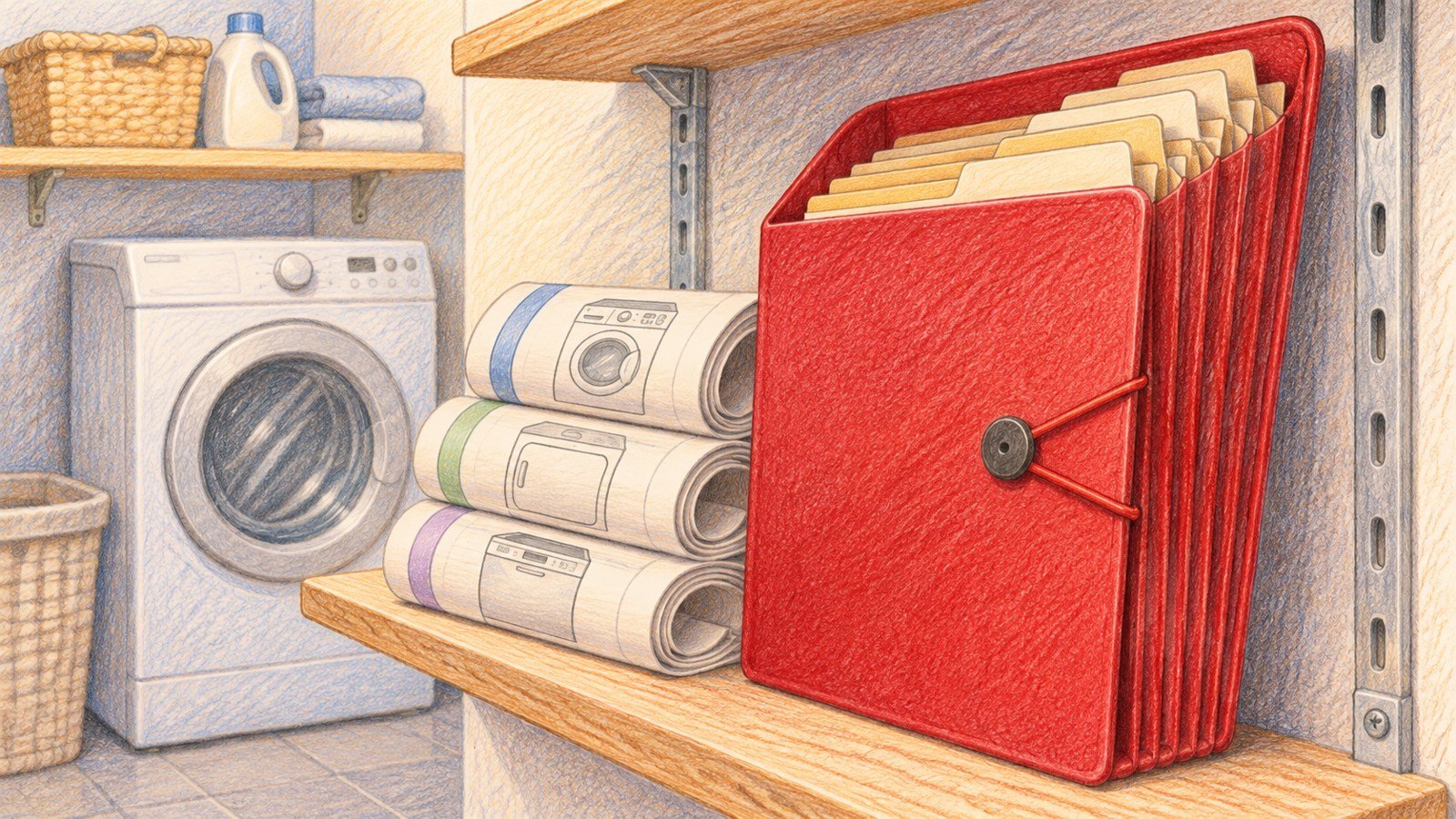
Choose one consistent place for your appliance records. A paper folder can hold receipts while a digital folder stores manuals and photographs. If you use both, put a note in each explaining where the other material lives. Otherwise, a useful document may remain hidden on one person’s phone.
Show another household member how to find the appliance name, model details and service contact. Keep account passwords and payment information out of a general reference sheet. If support requires an account, use your household’s established secure access method rather than writing credentials across the front of the folder.
Finish by testing the system with the appliance you chose. Can you find the exact model, open the correct manual and identify any unfinished service request? If so, the first record is useful. Add the next appliance when you have its paperwork in hand, and update the file after a replacement rather than letting the old and new models blend together.