New York’s Talking Book and Braille Library serves eligible readers who cannot use standard print. Learn where Mohawk Valley residents can begin.
By David LaGuerre
Reading can become difficult for reasons that have little to do with interest in books. A person may struggle to see the page, hold a volume or use conventional print because of a reading disability. The question is how to find a format and service that fits.
The New York State Talking Book and Braille Library, known as TBBL, is a free service for eligible New Yorkers outside New York City and Long Island who cannot use standard print materials. That service area includes the Mohawk Valley.
Its collection includes audio and braille fiction and nonfiction, magazines and digital talking book players. This guide explains the starting points and offers practical questions for applying and making the first reading experience manageable.
Describe the barrier in everyday language
Begin with what makes reading difficult. Is seeing the print the problem? Holding the book or turning pages? Processing conventional printed text? Write a short description in the reader’s own words if possible.
The National Library Service for the Blind and Print Disabled, part of the Library of Congress, identifies qualifying visual, physical, perceptual and reading disabilities. Some temporary disabilities may qualify too. Eligibility requires certification, so a description in this article is not an individual approval.
You do not need to choose a device before asking about service. Start with the reading barrier and ask staff how to proceed. If you are helping someone else, include them in the conversation and ask what they want to read.
Contact the right library before collecting paperwork
Mohawk Valley residents can begin with TBBL’s published contact information: 800-342-3688 or tbbl@nysed.gov. Ask for help with enrollment and explain whether you are applying for yourself or assisting another reader.
A useful first message gives your location, the reading difficulty and the help you need with the application. Avoid attaching a collection of private medical records before staff explains what is required and how to submit it.
Keep a small contact note with the date, the question you asked and any next step. If you leave a message, include a reliable way to reach you. Make sure a helper knows whether the reader wants them involved in follow-up conversations.
Use the current application and certification instructions
TBBL’s application page links to forms and explains that a professional familiar with the applicant’s disability must sign the application. Examples include a doctor, registered nurse or case worker. Use the current instructions to determine who can certify your situation.
The page provides an individual application for adults and children, a parental acknowledgement requirement for applicants under 18 and a Spanish-language option. Ask staff which sections and signatures apply rather than copying an old completed form from another person.
Read the form before arranging a signature. Mark any unclear question for staff. A missing signature or uncertain answer is a specific problem to resolve; it is not a reason to guess about a disability or submit information you know is inaccurate.
National Library Service enrollment guidance also directs people who need help finding a certifier to their network library. Ask for assistance if you do not know whom to approach.
Choose a reading approach that fits the household
Discuss how the reader wants to receive and use materials. TBBL’s contact page explains that patrons generally receive materials by mail or download them. Ask about the options that match the reader’s access, interests and comfort with technology.
A person who does not want to use a smartphone should say so. Another person may prefer listening on a device they already know. Neither preference needs to be treated as a problem to overcome before the conversation can begin.
Include practical details: where reading usually happens, whether headphones are preferred and whether someone will be available to help with setup. Do not purchase equipment based only on an online picture. Confirm what the library can provide and what is compatible with its materials.
Ask about a loaned talking book player
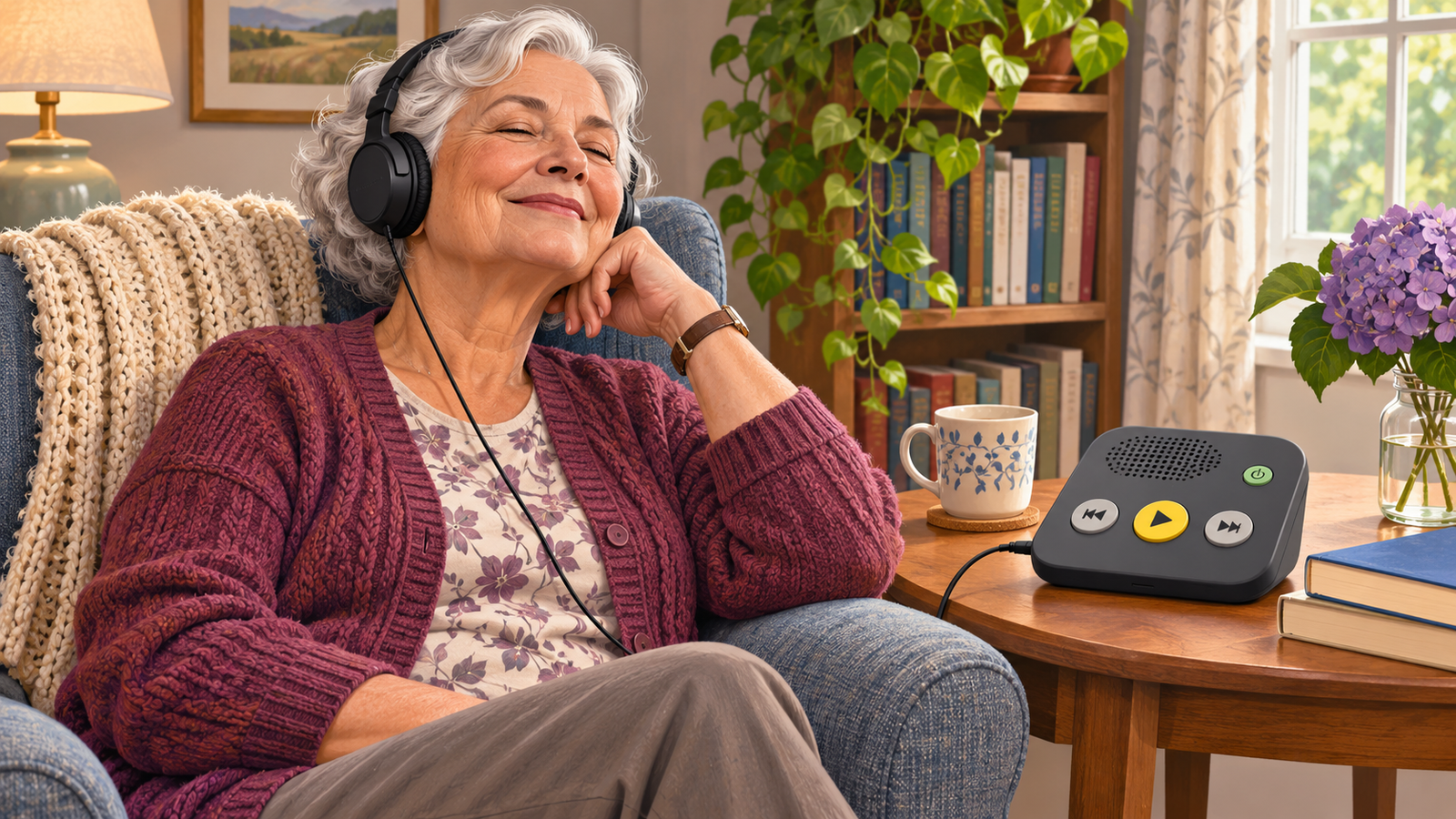
TBBL’s digital talking book machine guide says staff can loan a player to enrolled patrons who need one. The guide describes controls for playback, volume, tone and speed, with additional navigation features on some models.
Ask which equipment and instructions will be supplied for the reading method you choose. Have staff explain how materials are loaded and how to return or request items. Follow the instructions for the actual player instead of a demonstration for an unrelated device.
For the first session, practice a small set of actions: begin playback, pause, adjust the sound and resume. If the reader wants help, let the helper explain one action at a time while the reader uses the controls. Record the point where assistance is still needed.
Explore BARD after confirming enrollment
Braille and Audio Reading Download, or BARD, provides digital reading materials through the National Library Service. TBBL says readers should be enrolled in TBBL before signing up for BARD. Ask staff to confirm your account status and the current activation steps.
BARD can provide downloads for compatible devices such as phones, tablets and computers. Ask which app or method fits your device. Use links supplied by the library rather than choosing a similarly named app from a general search.
Keep account access private. A trusted helper can explain a screen while the reader controls passwords and personal information. If a login fails, write down the error without copying a password into an ordinary shared note.
Request books that make the first week appealing
Make a short list of authors, subjects and reading preferences. Include a favorite book if you have one, but also name a few broader interests. This gives staff more to work with if the first title is not available in the desired format.
Ask how recommendations and requests work, what happens when you finish an item and how to change preferences. Do not assume the request process matches an ordinary public-library app you have used before.
For a child or teen, include the parent or guardian in reviewing the service’s current information about catalog access. Ask questions before submitting the required acknowledgement. Keep the focus on finding reading the young person wants and can use.
Make the first success easy to repeat
Set up a comfortable reading place with the device and instructions within reach. Begin with one book or magazine and enough time to learn the controls without rushing. The first goal is to return to the material independently or with the agreed support.
Keep a brief note about what worked: the preferred format, useful controls and the contact for help. If something fails, describe the actual problem to staff. For example, being able to start a book but not return to it is a more useful support question than saying the equipment is confusing.
Review the arrangement when the reader’s needs change. Accessible reading is a continuing service relationship, not a one-time equipment delivery. Start with the person, confirm enrollment and build a routine around material they want to explore.
More practical guides
- Try assistive technology through the Mohawk Valley TRAID program
- Plan a first Centro Call-A-Bus ride in Utica or Rome
Primary NYS Library and Library of Congress guidance checked November 5, 2026. Program staff determine eligibility and current procedures. Preparation and practice examples are practical suggestions. Images are AI-generated editorial illustrations, not photographs of TBBL equipment or staff.