
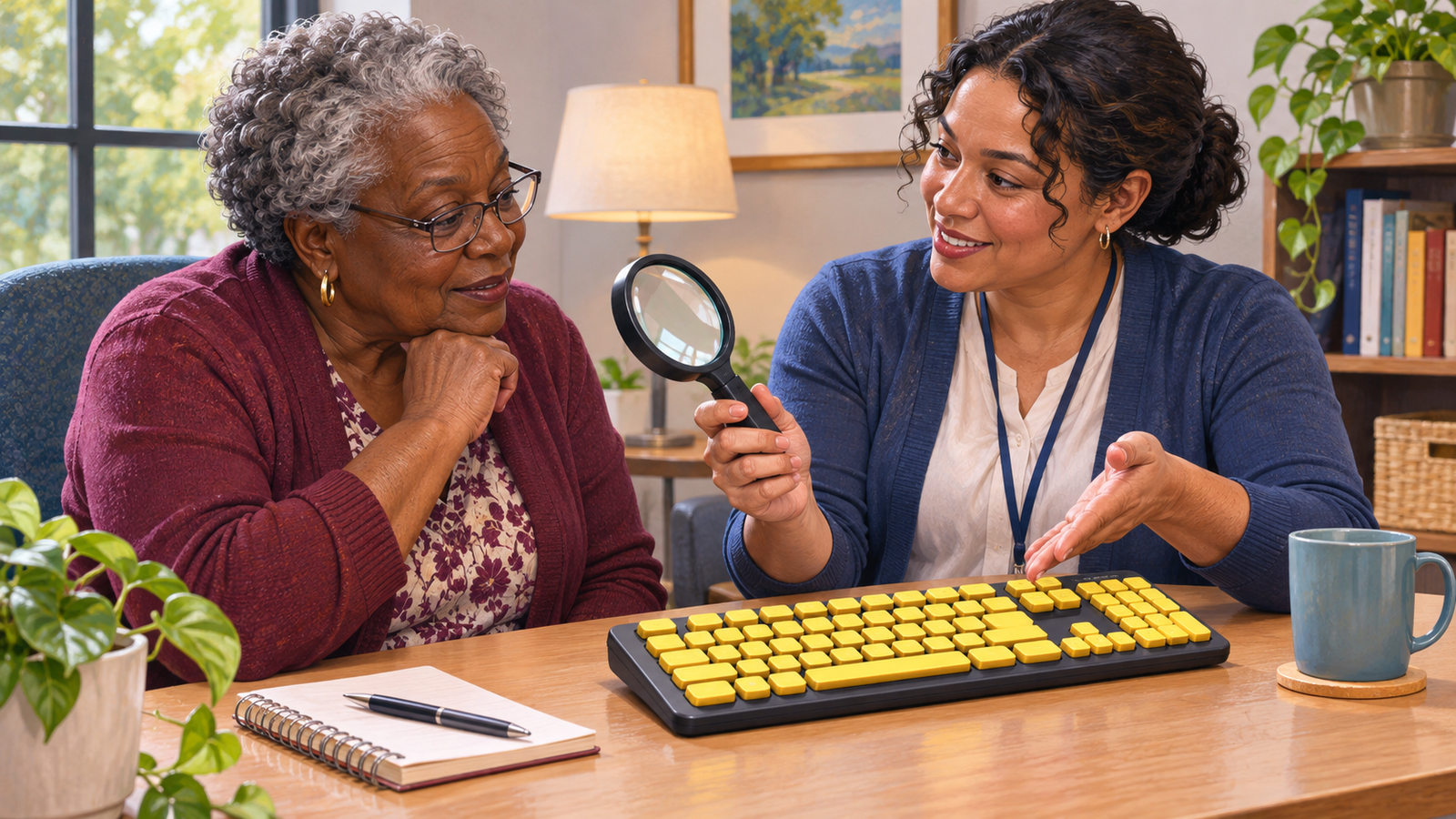
Featured image: AI-generated illustration: Exploring assistive technology. The people and setting do not depict Upstate Caring Partners staff or facilities. Credit: Mohawk Valley Voice.
By David LaGuerre
A device that looks helpful online can be hard to judge from a picture. Will it fit the place where you use it? Can you operate it comfortably? Does it solve the task you had in mind?
For Mohawk Valley residents exploring assistive technology, New York’s TRAID program provides a place to ask questions before making a purchase. This guide explains the local starting point and offers a practical way to prepare for a demonstration or equipment loan.
TRAID stands for Technology Related Assistance for Individuals with Disabilities. The New York State Justice Center describes assistive technology as equipment or products that support a person’s abilities and independence. It can serve daily life, school, work and leisure. The program is not limited to complicated electronics.
Start with the Utica TRAID contact
Upstate Caring Partners operates a local TRAID program at 675 Catherine Street in Utica. Its published TRAID contact is (315) 292-1968 or traid@upstatecp.org. Call or email before traveling to confirm staff availability, hours and an appointment.
The provider lists Fulton, Hamilton, Herkimer, Jefferson, Lewis, Montgomery and Oneida counties in its service area. Its program page describes information and referrals, device demonstrations and equipment loans at no cost. Listed equipment categories include daily living aids, computer access equipment and communication devices. Those categories do not establish that a particular model is available today.
If you live outside that area, use the Justice Center’s assistive technology directory to locate another regional center. Ask the center directly about the appropriate starting point for your situation.
Describe the task before naming a product
Begin with one activity you want to make easier. Write it in ordinary language: reading a recipe, entering information on a computer, participating in a game or communicating a choice. Include where and when the difficulty occurs.
For example, a useful description might explain that a person can see a computer screen clearly but has trouble selecting the small keys on the current keyboard. That gives a conversation more direction than simply requesting the most advanced computer accessory.
Make a short list of what you have already tried and what happened. Did a change help briefly? Was the setup too complicated? Was the item difficult to carry? These are observations to discuss, not diagnoses you need to assign yourself.
Involve the person who will use the equipment. Ask what success would look like to them. A caregiver may value one feature while the user has a different priority. Write both down so the discussion can address them openly.
Prepare a focused first call or email
Keep the opening inquiry short. State your county, the task you need help with and whether you are asking about a demonstration, a possible loan or information. You do not need to decide on a brand before making contact.
Here is an example to adapt: I live in Herkimer County and want to explore equipment for computer access. Could we discuss a demonstration or trial? What should I bring, and what information do you need before an appointment?
Ask how the center prefers to handle sensitive information. Use the first email to arrange a conversation rather than attaching a collection of medical, financial or identity records without being asked. Let staff explain the intake process and any documentation needed for the service you are requesting.
If travel, communication or another access concern affects the visit, mention it when arranging the appointment. Ask what arrangements are possible instead of assuming a particular option is offered.
Bring questions that help compare options
A demonstration is a chance to understand how something works. Prepare questions about the everyday steps, including setup, use, storage and care. Ask who can explain the instructions if you do not understand a part of the process.
- What task is this device designed to support?
- What other approaches could we compare?
- What setup or training would the user or helper need?
- Will it work with the equipment already used at home?
- What should we do if it is uncomfortable, confusing or does not work as expected?
Bring model information for an existing computer or device when relevant, but first ask staff what details would be useful. Do not bring bulky equipment without checking. Take notes in the format the user prefers, such as a simple written checklist or large-print page.

Get the loan details before leaving
A loan is a trial or temporary arrangement, not a promise of permanent ownership. Ask for the terms for the actual item. Confirm the return date, accessories included, handling instructions and who to contact with a problem.
Write down the pickup and return arrangements. Ask what to do if your needs change, the item stops working or the return date becomes difficult to meet. Do not assume an extension is automatic. Upstate Caring Partners describes different borrowing periods for different circumstances, so confirm the agreement for your loan.
Before leaving, review your notes aloud with staff. A clear handoff might include the device name, the agreed use, a contact number and the due date. Keep that information with the instructions so it does not disappear into an unrelated folder.
Use a small trial log
Choose a few ordinary opportunities to try the agreed task, following the instructions you receive. Keep the setting as close as practical to the place where the equipment would normally be used. Avoid turning a trial into an endurance test.
Record the date, task, setup help needed and what happened. An entry might say that the user completed the intended activity but needed help adjusting the device each time. Another might note that the device worked at the desk but was difficult to store in the available space.
Separate the user’s experience from a helper’s assumptions. Ask what felt easier, what remained difficult and whether the person would want to use the item again. A trial that reveals a poor match still gives you useful information for the next discussion.
Keep specialized equipment decisions with qualified help
For specialized equipment, ask who should be involved in selecting, fitting and using it. The Justice Center’s TRAID discussion identifies coordination with occupational, physical or speech-language professionals as useful for more specialized needs. A loan should not become a reason to improvise a clinical setup.
Do not change prescribed settings or make a repair without appropriate guidance. If a problem arises, contact the program and the relevant professional rather than adapting the equipment by guesswork.
Decide the next step without rushing a purchase
At the end of the trial, bring your observations back to the discussion. Did the item address the original task? What support would continued use require? Is another comparison worth making?
Upstate Caring Partners says it can help identify potential funding sources. That is not a guarantee that a purchase will be covered. Ask the relevant program or insurer to explain its own rules and approval process before committing money.
Return borrowed equipment according to the agreement and keep a brief record of the outcome. The first useful result may be a better question, a different option or a clear decision that a device is not a good fit. Start with the task and let the trial inform the choice.
Images are AI-generated editorial illustrations.
Primary sources checked November 3, 2026: Upstate Caring Partners and the New York State Justice Center. Contact details, inventory and loan arrangements can change. The preparation questions and trial log are practical suggestions, not additional program requirements.